
Regular style:
Dell Wireless Mouse-WM126 – Black
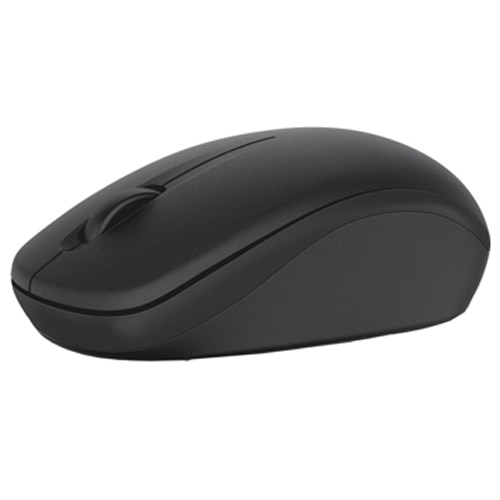
CAD $22.99
Functionality:
Uses regular mouse functionality
Pros: Simple, Small, Wireless
Cons: Non ergonomic
Microsoft Modern Mobile Mouse
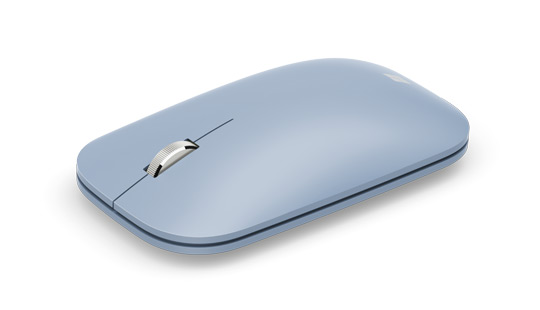
CAD $44.99
Functionality:
Uses regular mouse functionality
Pros: Simple, Small, Wireless
Cons: Non ergonomic
Apple Magic Mouse 2 – Space Grey

CAD $100.00
Functionality:
Uses regular mouse functionality
Pros: Simple, Small, Wireless
Cons: Non ergonomic
logitech MX master 3
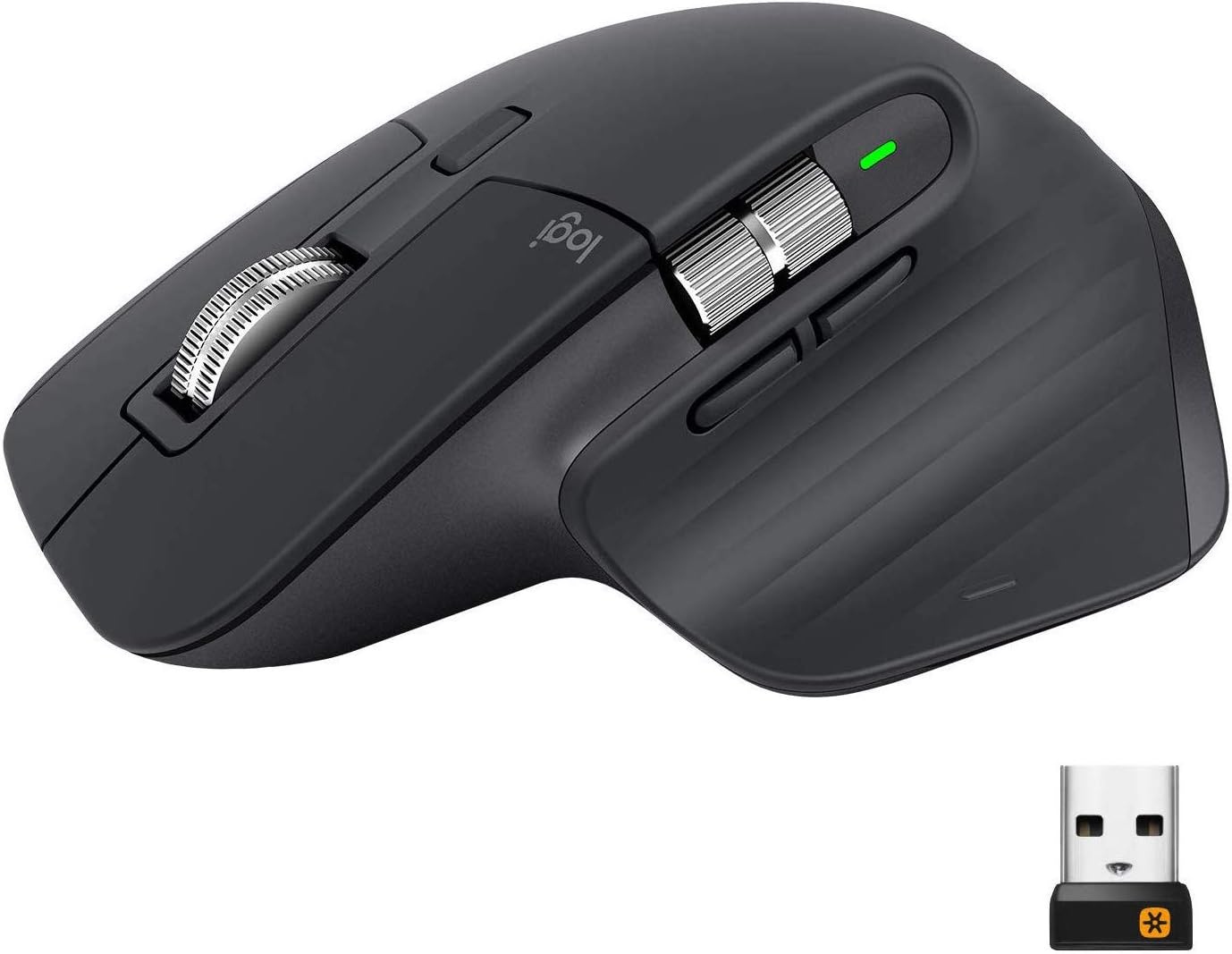
CAD $99.99
Functionality:
Uses faster and quieter scroll wheel, extra programable buttons
Pros: ergonomic, extra functionality, intuitive, wireless
Cons: Bulky, not low profile, high price
Logitech MX ERGO Trackball
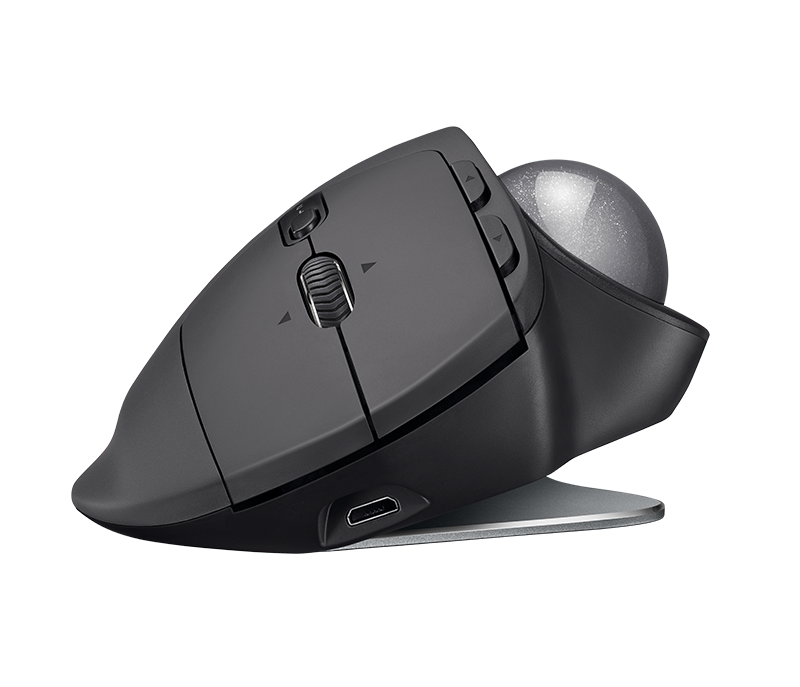
CAD $99.99
Functionality:
extra programable buttons, tilts mouse to 20 degree angle, trackball cursor movement
Pros: ergonomic, extra functionality, charging instead of batteries, wireless
Cons: Bulky, not low profile, price point
Anker 2.4G Wireless Vertical Ergonomic Optical Mouse
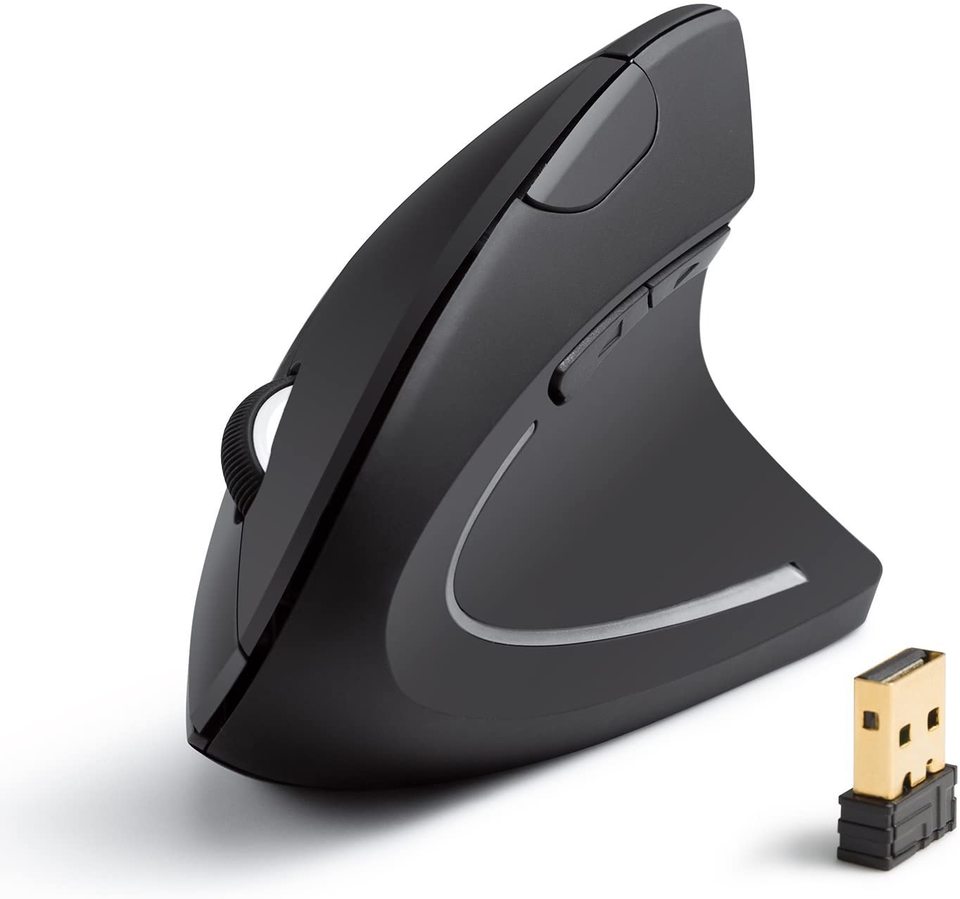
CAD $29.99
Functionality:
extra programable buttons, tilts mouse to to upright position
Pros: ergonomic, extra functionality
Cons: Bulky, not low profile,
Logitech MX Vertical Wireless Mouse
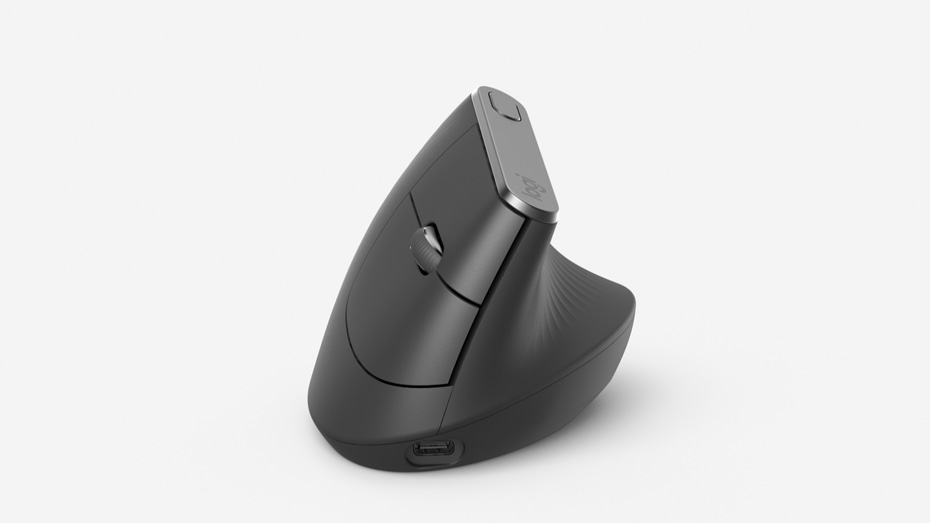
CAD $99.99
Functionality:
extra programable buttons, tilts mouse to to upright position
Pros: ergonomic, extra functionality, charging instead of batteries
Cons: Bulky, not low profile, price point
Kensington SlimBlade™ Trackball
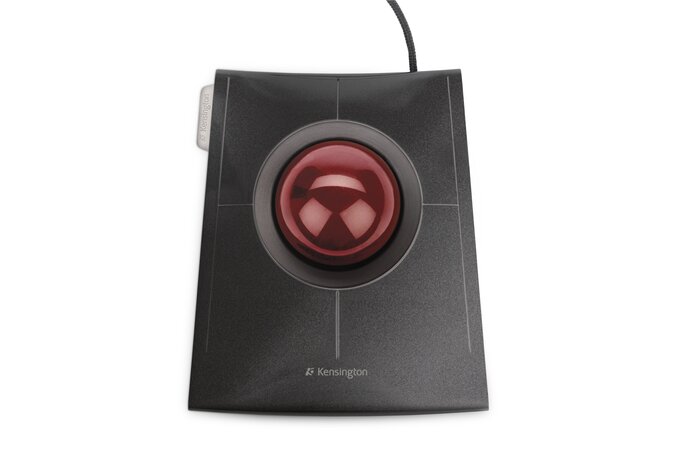
CAD $99.99
Functionality:
extra programable buttons, uses track ball curser movement
Pros: ergonomic, extra functionality, charging instead of batteries
Cons: Bulky, not low profile, wired, price point
Microsoft Surface Arc Mouse

CAD $99.99
Functionality:
Uses regular mouse functionality with track pad integration, Turns Power on when folded up and turns power off when flat.
Pros: Simple, Small, Wireless
Cons: Non ergonomic, too small for comfort, clicking issues(would left lick instead of right is two fingers are on the mouse),
Joystick style:
3M EM550GPL Wireless Ergonomic Optical Mouse

CAD $75.99
Functionality:
Uses uses triggers to act as left and right button clicks, has completely vertical position.
Pros: ergonomic design,
Cons: not intuitive hand hand movements, very bulky, wired,
pen:
Lychee Pen mouse
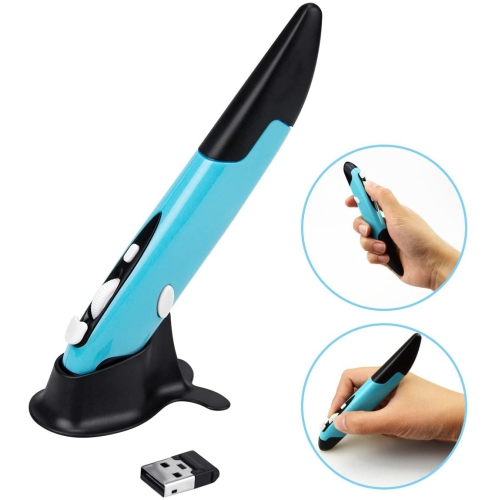
CAD $20.99
Functionality:
Uses uses triggers to act as left and right button clicks, has pencil/pen-like form factor
Pros: ergonomic design,
Cons: not intuitive button placement, , click buttons on the side are difficult to do while keeping pen in place, does not have stylus-like functionality
Insight
[Most of the mice on the market use the same technology, but the components in different locations, or house all the components in a different looking housing]
Resources
Sigalas, T. (2019, August 21). Do you need a Trackball mouse? Why do PROS use them! Retrieved September 28, 2020, from https://www.youtube.com/watch?v=PVX91onQH0w
Wong, H. (2019, April 9). Surface Arc Mouse Revisited: Design Over Everything. Retrieved from https://www.youtube.com/watch?v=bQ4x-uctYWs
George CGeorge is an ergonomist and chief editor of Ergonomic Trends. He brings with him over 15 years advising companies on best office practices, & Says, B. (2019, November 21). Is a Pen Mouse Worth Your Time? (A Look at the Two Best Ones). Retrieved September 29, 2020, from http://ergonomictrends.com/best-pen-mouse-review-and-ergonomics/