Introduction to Moodle 4.1
Logging into Moodle
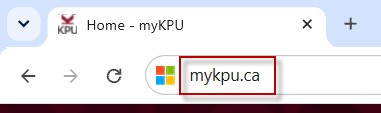
1. Search myKPU in your web browser.
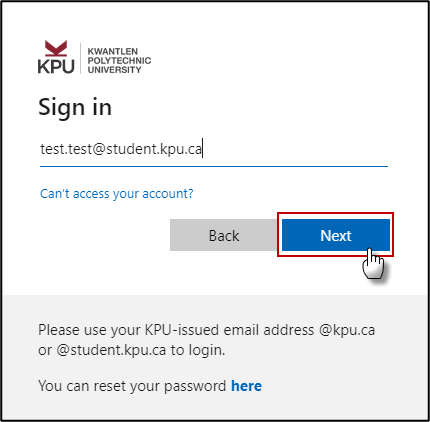
2. Insert your KPU-issued email (@kpu.ca or @student.kpu.ca) to login and Click the Next button.
3. Enter your password

4. Open your Authentication app and enter the code you see.

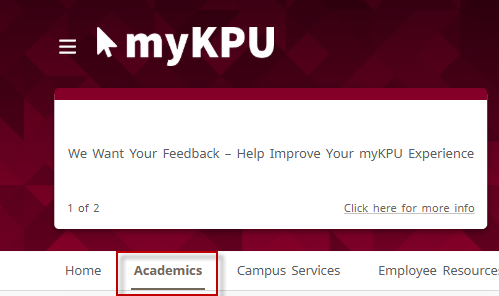
5. Once logged in, Click on the Academics tab.
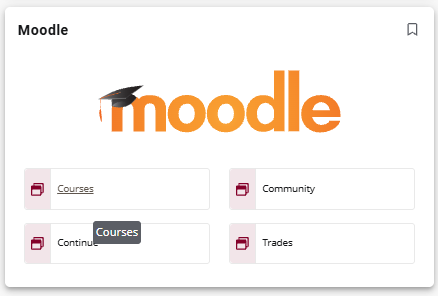
6. Scroll down to fine the Moodle tile and click on your Moodle server.